
AI Tools Directory
Discover the best AI tools for your workflow
New AI Tools
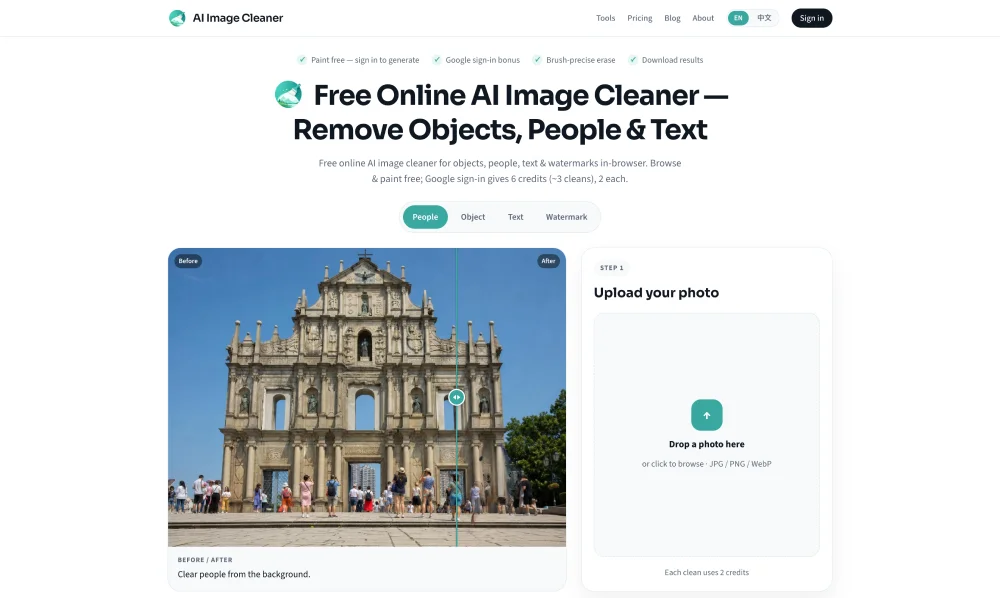
AI Image Cleaner removes people, clutter, watermarks, and text with brush-mask AI inpainting. Three guest cleans per IP; Google sign-in unlocks starter and daily credits.
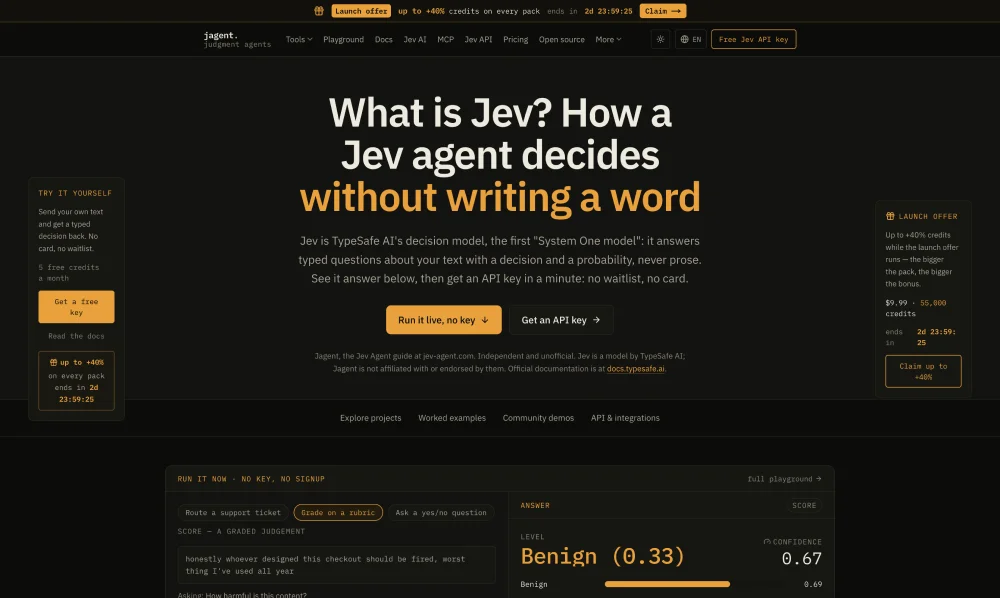
Free access to TypeSafe’s Jev System One via a live API key — demos, measured costs, independent writeups. Unofficial, not affiliated with TypeSafe.
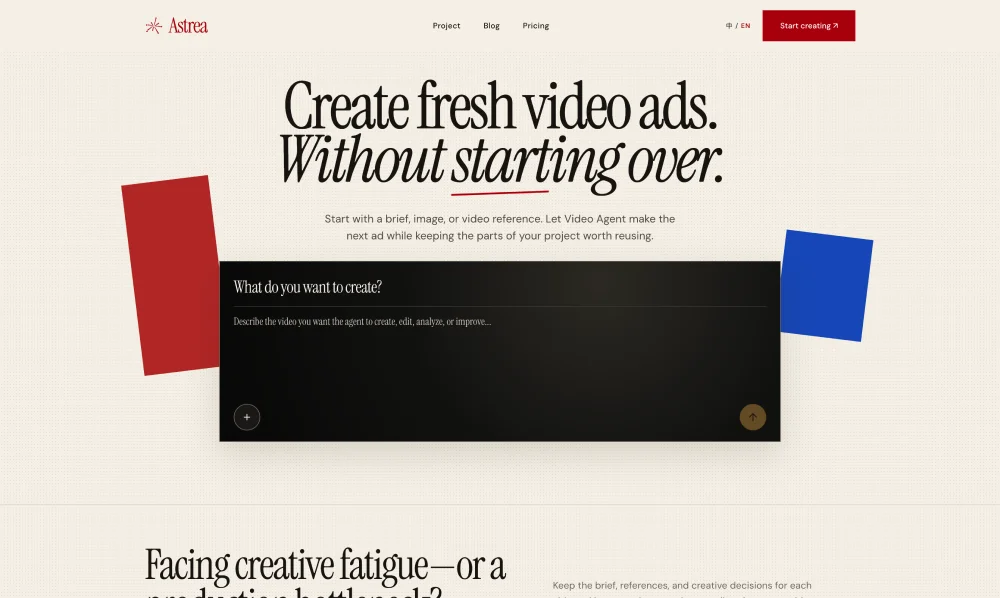
Astrea helps marketing teams, brands, and creative agencies create fresh video ads with an AI Video Agent, review outputs, and reuse project content.
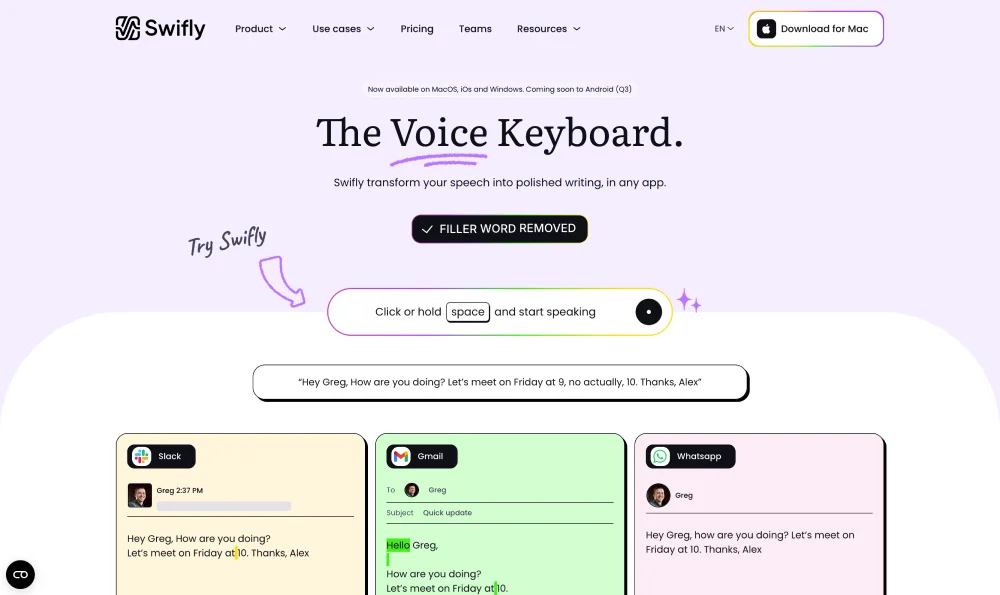
Swifly is an AI dictation and voice typing app for Mac, Windows and iPhone. Turn speech into text for emails, documents and AI prompts. Free Basic plan available; dictation requires internet access.
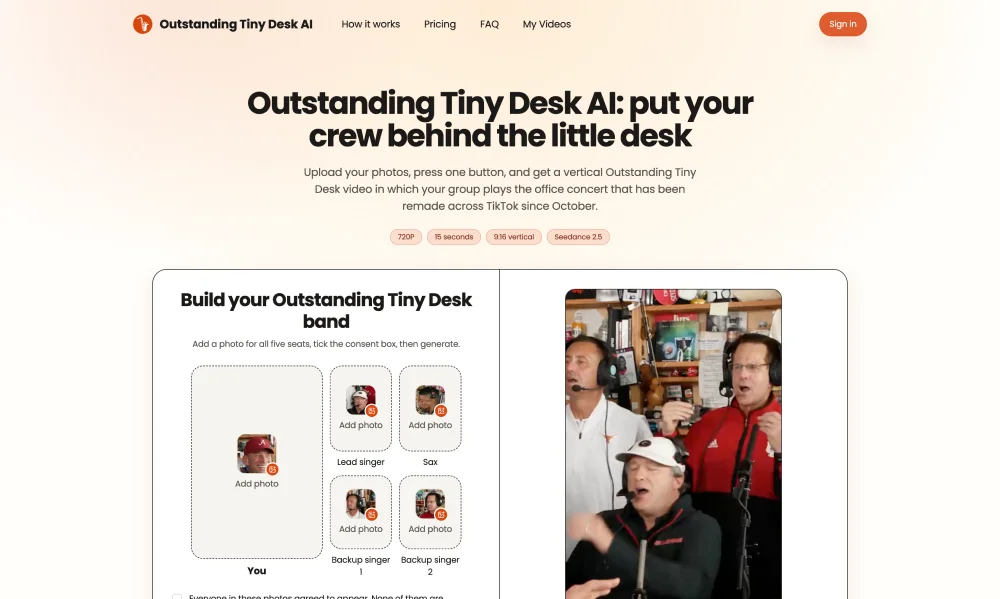
Outstanding Tiny Desk AI offers a creative way to explore Tiny Desk inspired visuals and video concepts, helping users transform simple ideas into engaging content with AI-powered creativity.

DesignUGC is an AI-powered creative studio for realistic UGC video ads. Create AI creators, add your product, and turn a brief into creator-led video creative.
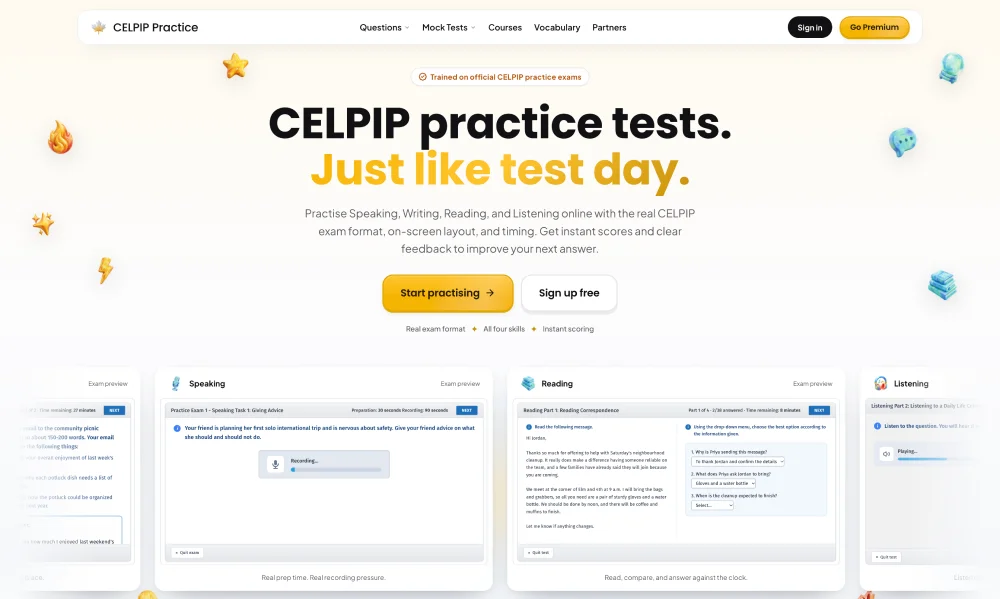
Practise all four CELPIP-General skills with timed mock exams, AI speaking and writing feedback, courses and vocabulary. Independent exam preparation with free resources and optional paid plans.

Prepare for TEF Canada with an AI French speaking partner, AI writing feedback, timed mock exams, and reading and listening practice. Independent preparation platform with free samples and paid plans.
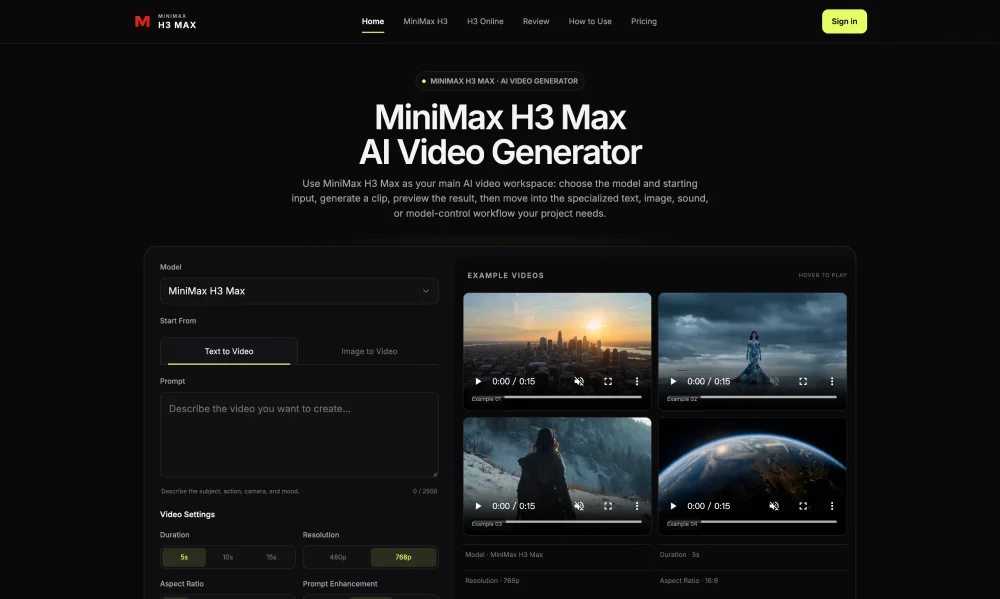
MiniMax H3 Max is an AI video model for generating and editing clips from text or image prompts. It helps creators build controllable generative video for short-form content and rapid prototyping.
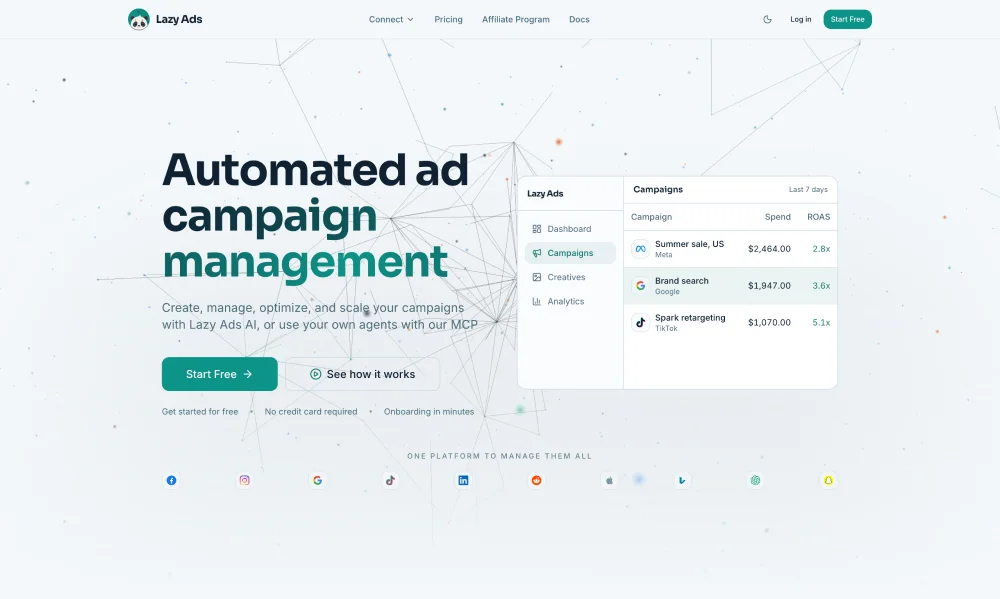
Lazy Ads is an AI media buyer that connects your ad accounts and runs campaigns across nine networks on flat SaaS pricing — Starter from $79/mo annual — not a cut of spend.
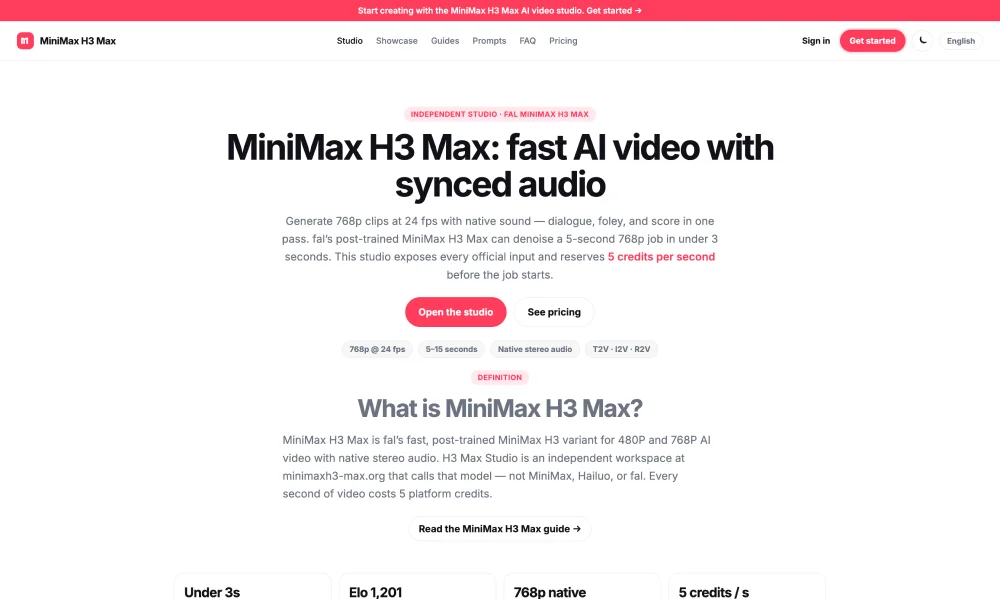
Independent AI video web app using MiniMax H3 Max via fal: 5-15s clips with stereo audio from text, images or references. Paid credits; no free quota. Not affiliated with MiniMax, Hailuo or fal.
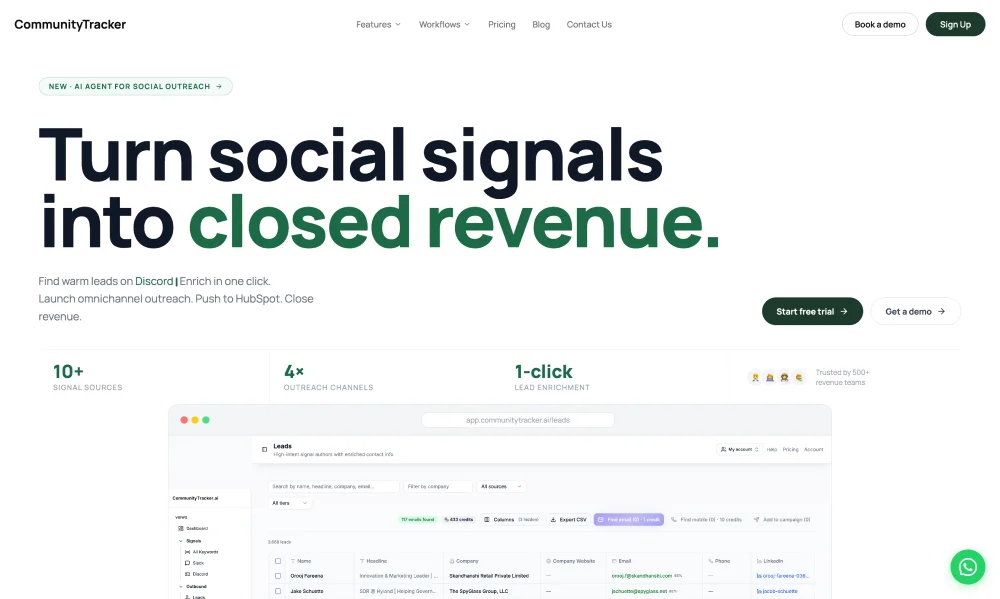
AI agent for social outreach — turn warm community signals into closed revenue. Monitor Reddit, LinkedIn, Slack & more for buyer intent; enrich leads; omnichannel outreach synced to HubSpot.
Popular AI Tools
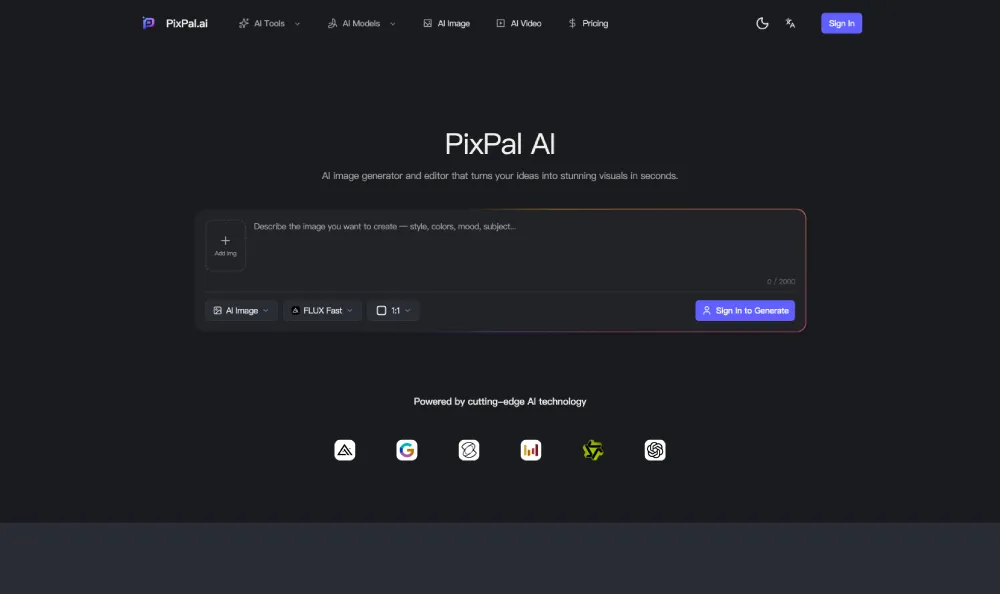
PixPal - AI Image Generator & Editor | Create Stunning Images Instantly
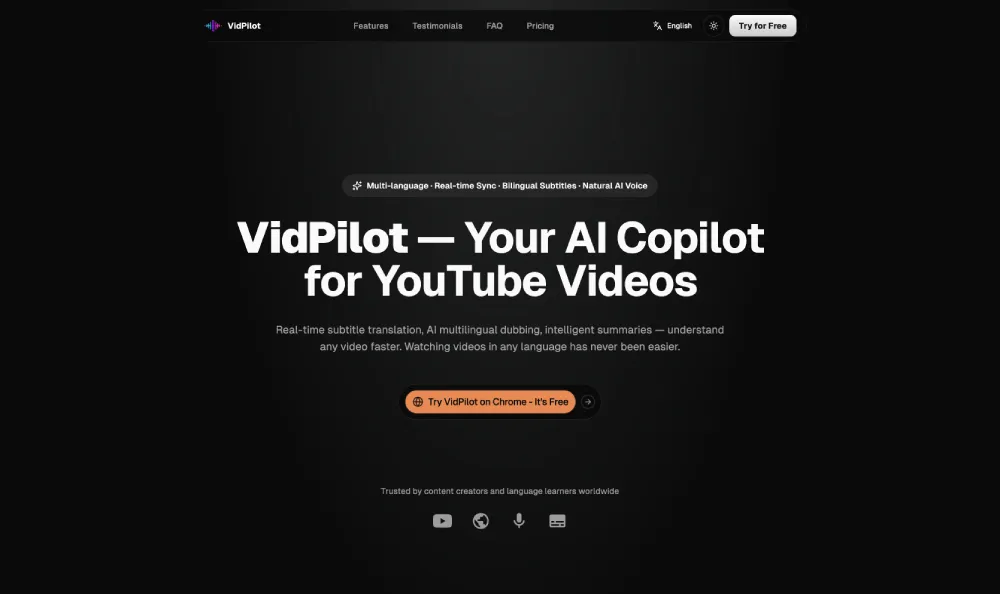
Real-time subtitle translation, AI dubbing, intelligent summaries understand any video faster. Watching videos in any language has never been easier.
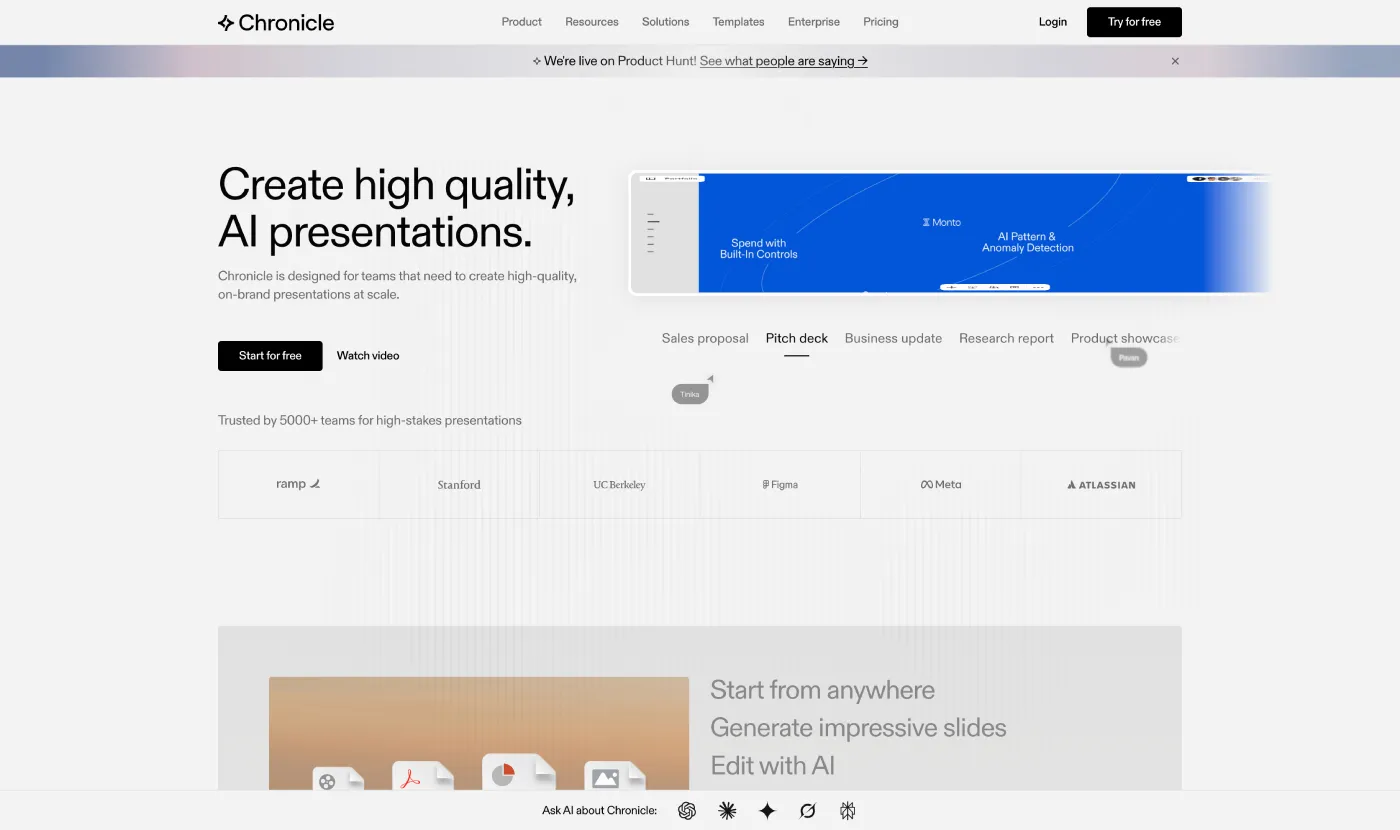
Chronicle is the modern AI presentation software for creating professional, interactive AI PPT decks your audience will remember.
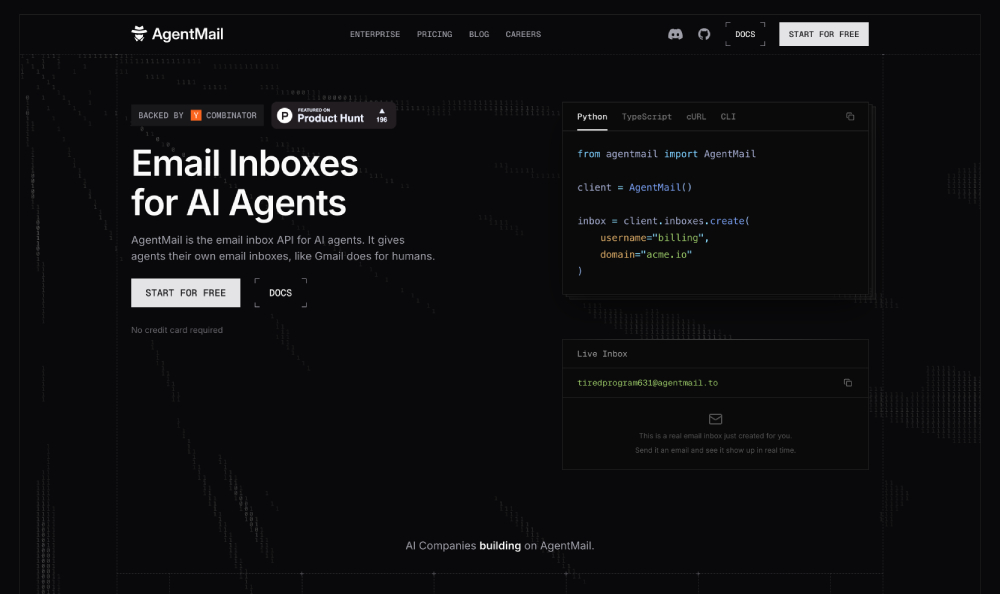
AgentMail gives AI agents real email inboxes. Create, send, receive, and search messages via REST API — built for autonomous agents and agentic workflows.
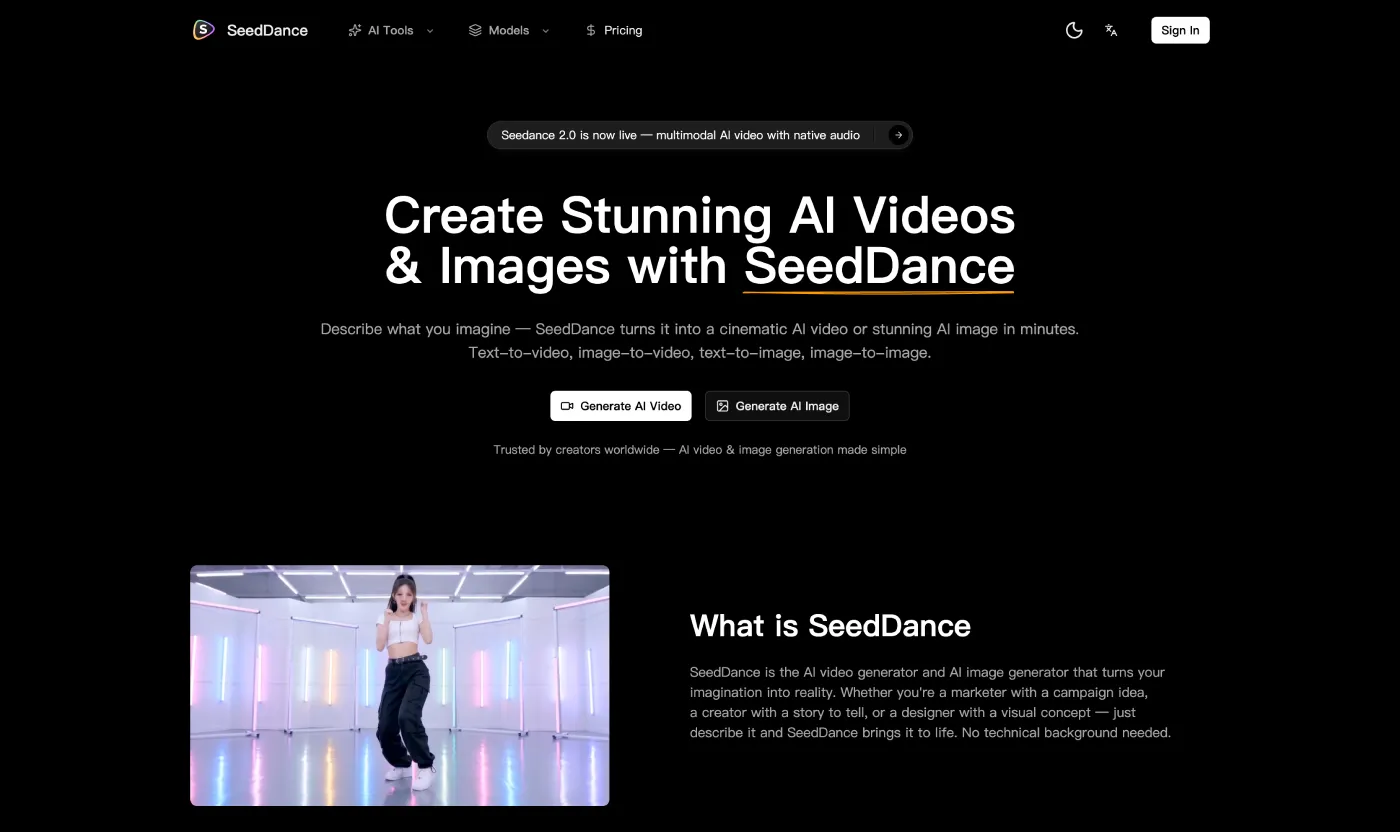
SeedDance creates stunning AI videos and images from text or images. Delivers professional-quality results with multiple leading AI models.

Palix AI is an all in one AI creation platform for creators to easily generate high quality images, videos, and music in one place, streamlining creative workflows and boosting productivity.
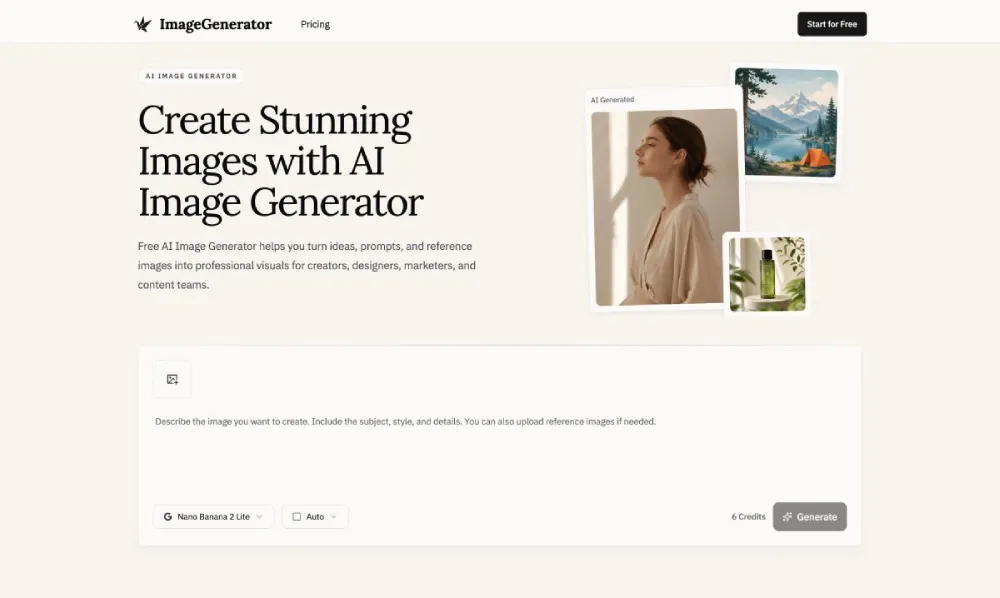
ImageGenerator is a free AI Image Generator that turns your text prompts and reference images into stunning, high-quality visuals in seconds. Perfect for marketers, designers, creators, and teams.
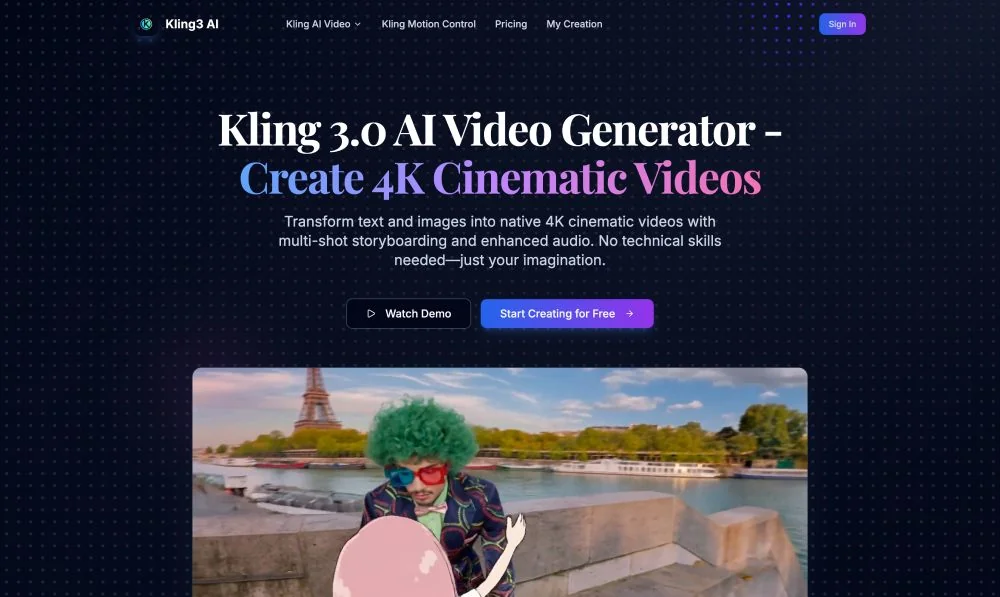
Experience the era of the AI Director with Kling 3.0. Generate native 4K videos, coherent multi-shot narratives, and physics-accurate motion. Start your free trial today.
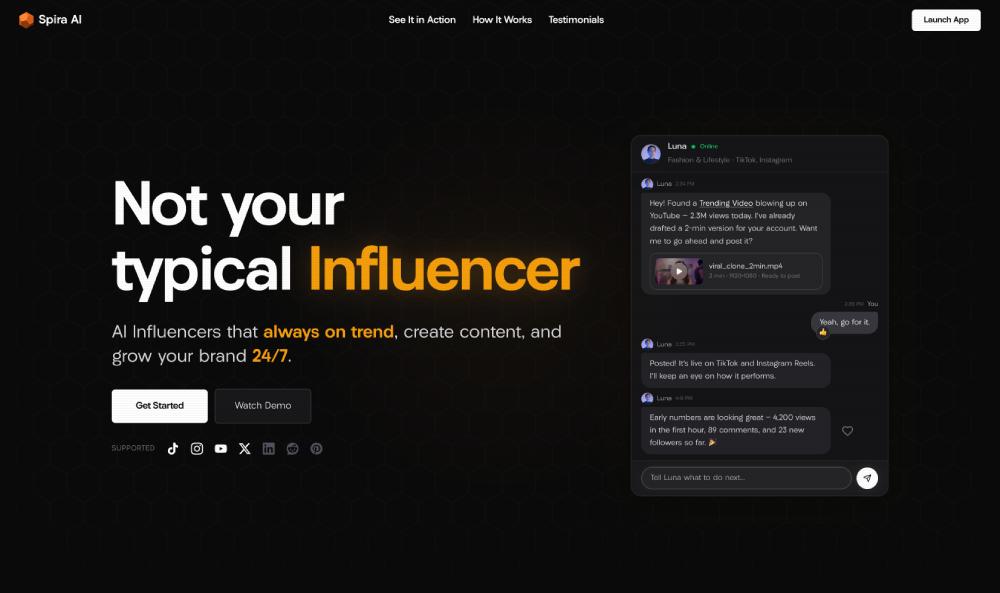
Built by the teams behind Creatify AI, TikTok, CapCut, Meta, Snap and Midjourney — Spira gives you autonomous AI Influencers that run your social media end-to-end 24/7.
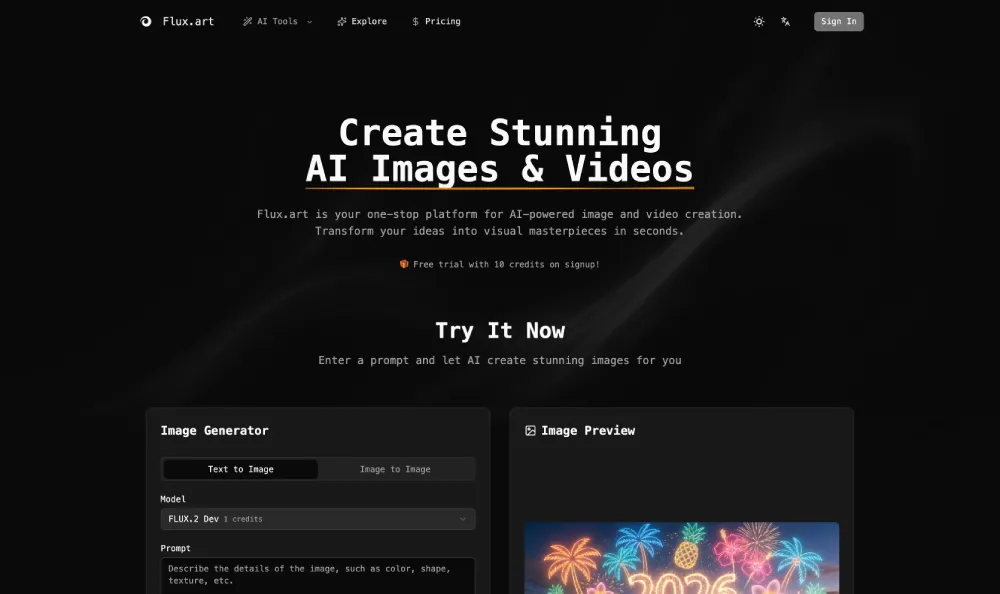
Flux.art is a one-stop AI platform for creating stunning images and videos with cutting-edge AI technology.
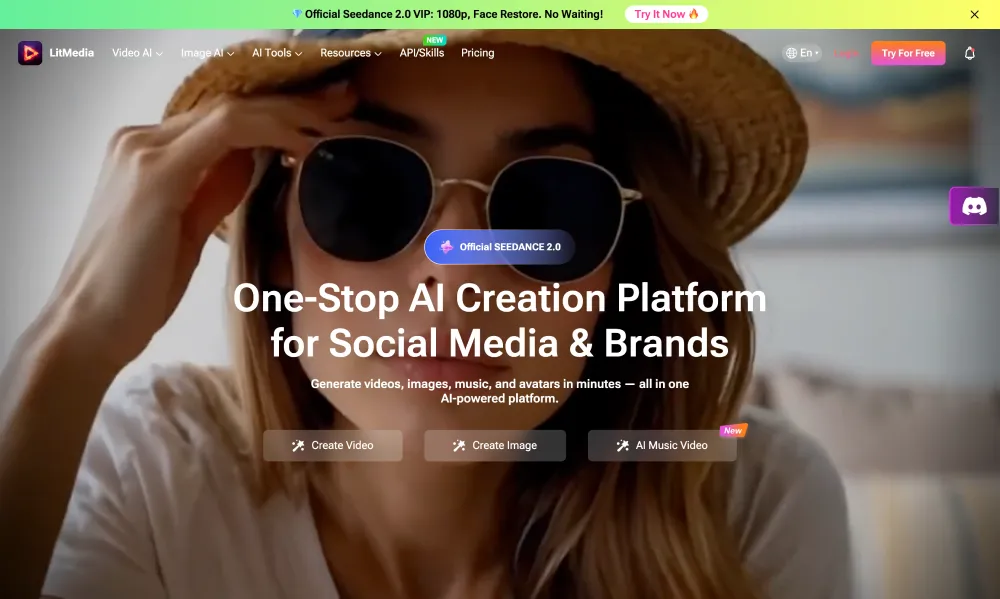
All-in-one AI platform for image generation, video creation, lip sync, and AI music production.
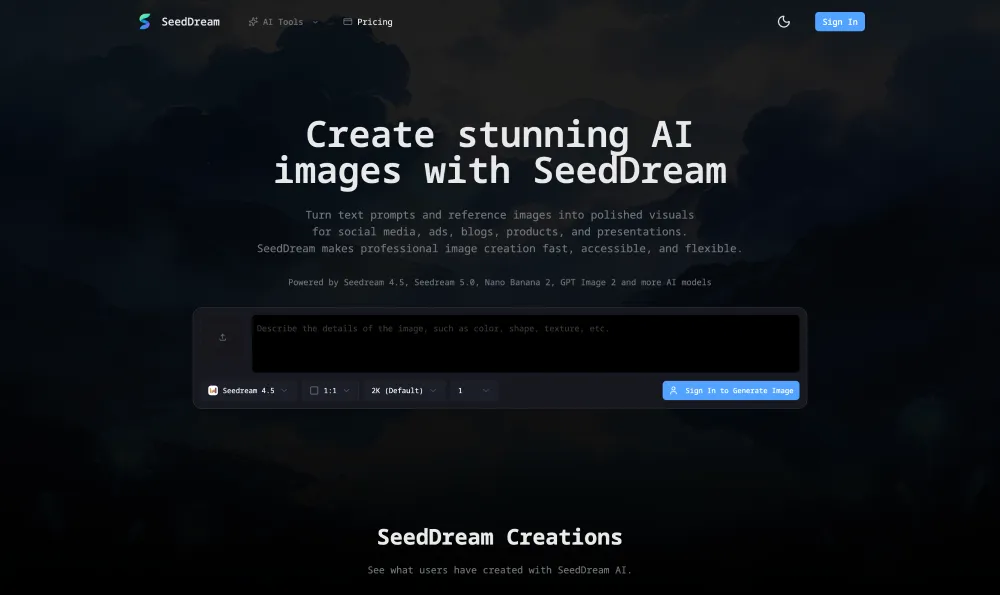
SeedDream is an AI image generator for creating high-quality visuals from text prompts and reference images.
Discover AI Tools at YouTools.ai
YouTools.ai is a curated directory that helps creators, founders, and teams find AI Tools faster, compare options clearly, and pick the right product with confidence. The layout is built for fast scanning, so you can move from discovery to decision without wasting time on noisy results.
What is YouTools.ai?
In one place, YouTools.ai organizes AI Tools for writing, image generation, video creation, coding, automation, marketing, research, and productivity. Each listing includes practical context so you can evaluate fit before opening an external site. This structure makes side by side evaluation easier when you are testing multiple options in the same week.
Why choose YouTools.ai?
- Fresh updates from newly submitted AI Tools.
- Popular ranking based on real user likes and engagement signals.
- Clean tag pages with active categories and transparent counts.
Explore by Tag
Browse AI Tools by topic, then open detail pages for summaries, screenshots, and direct links. Start from Tag if you want focused discovery, or use tool detail pages for deeper evaluation. You can also jump between new and popular sections to balance trend awareness with practical reliability.
How to Get Started
- 1Open New AI Tools to catch the latest launches.
- 2Check Popular for proven options with community validation.
- 3Compare details and choose what matches your workflow goals.