

NovaVoice
Nova is your voice-powered productivity copilot. Dictate 10× faster than typing with context-aware formatting. Execute real actions across apps by voice commands. Works on macOS, Windows, and Linux.
DR:DR 25(Domain Rating by Ahrefs)
Added on:Apr 19, 2026
Pricing:Freemium
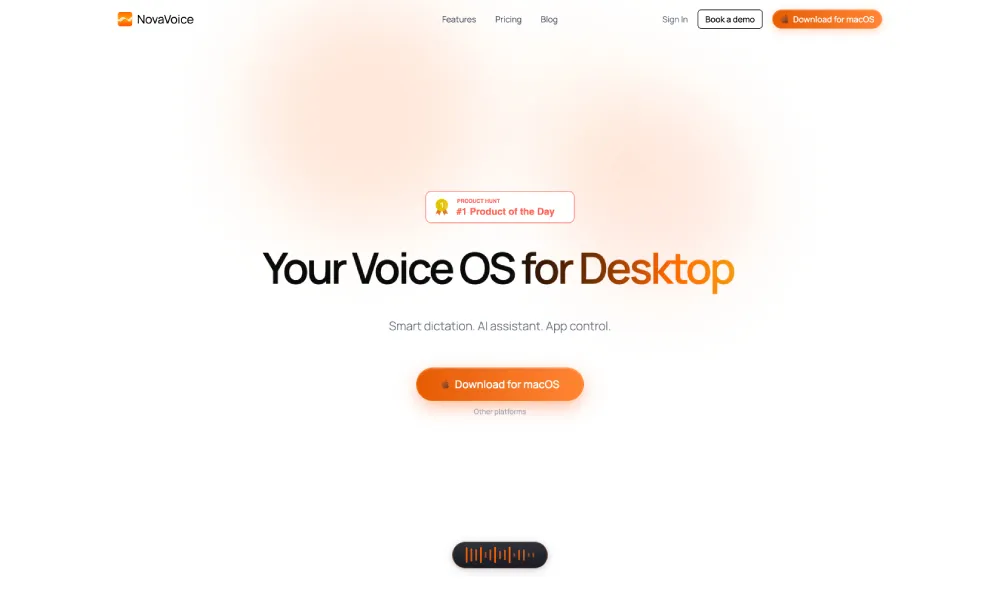
What is NovaVoice?
NovaVoice is a revolutionary AI voice assistant that acts as your Voice OS for the desktop. NovaVoice integrates smart dictation, AI assistant features, and app control into a single powerful platform. By simply speaking, users let NovaVoice manage dictation formatting and actions efficiently across applications. This setup transforms how people interact with computers on a daily basis. NovaVoice delivers exceptional dictation performance reaching over two hundred words per minute. This capability makes NovaVoice significantly faster than traditional typing methods enabling rapid idea capture and document creation. Professionals who struggle with typing speed find immense value in the AI voice assistant technology embedded in it. NovaVoice provides instant text reformatting through voice commands eliminating extra steps in editing workflows. Users can request specific styles and NovaVoice adjusts content accordingly without additional tools. Such functionality saves considerable time and reduces frustration during content creation processes. Agent mode executes real actions like messaging or data insertion while requiring explicit user approval for security. It maintains a personal terms dictionary to handle custom names emails and addresses effortlessly. The assistant mode allows instant answers to queries regarding on screen content or general knowledge. NovaVoice operates on macOS Windows and Linux for maximum compatibility. As an AI voice assistant NovaVoice follows a freemium model with options for limited free access and unlimited premium features. It ultimately enhances productivity by centering voice technology in daily desktop operations. Teams and individuals alike benefit from the streamlined processes and increased efficiency that the platform brings to their computing environment.
Key features of NovaVoice
- Dictate text at high speed
- Reformat text instantly by voice
- Execute actions across apps
- Maintain custom terms dictionary
- Query AI without switching apps