

Line Drawing Converter
Turn photos and images into clean black-and-white line drawings online for print, tracing, craft references, and design work.
DR:DR 1.1(Domain Rating by Ahrefs)
Added on:Aug 29, 2026
Pricing:Free Trial
What is Line Drawing Converter?
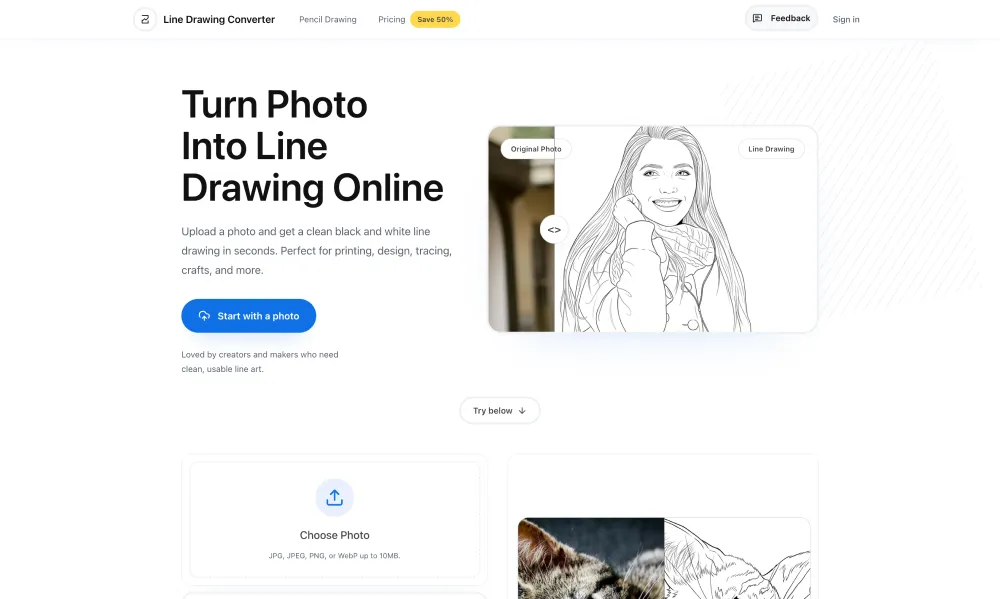
Line Drawing Converter is an online photo to line drawing tool designed to turn ordinary photos into clean, usable black and white line art. It provides a focused workflow for people who want to convert images into outlines without using complicated image editing software. With Line Drawing Converter, users can upload JPG, JPEG, PNG, or WebP images up to 10MB and quickly transform them into line drawings. The tool offers several output styles, including Clean, Simple, Detailed, Bold, and Thin, making it easier to choose the right level of detail and line weight for different creative projects. Line Drawing Converter is especially useful when a photo needs to become a printable outline, tracing reference, design element, craft template, or simple black and white illustration. Portraits can retain recognizable facial features, hair, clothing edges, and expressions, while architecture, pets, landscapes, and group photos can also be converted into simplified line artwork. Users can preview different line drawing results and fine tune optional controls for detail, line thickness, cleanup, aspect ratio, and additional notes. This makes the workflow more flexible than a basic photo sketch filter while keeping the interface straightforward. The generated artwork can be downloaded after processing and used for printing, crafting, design references, product concepts, layouts, and other creative applications. Line Drawing Converter also provides commercial use with its paid plans, along with watermark free downloads and different credit options for users with varying levels of demand.
Key features of Line Drawing Converter
- Convert photos into clean line drawings
- Choose five different line art styles
- Adjust detail and line thickness
- Support portraits, pets, and architecture
- Download printable black and white artwork
- Fine tune output before generating